Mastering Fleet Maintenance in Notion: The System Behind My Fleet Management Template
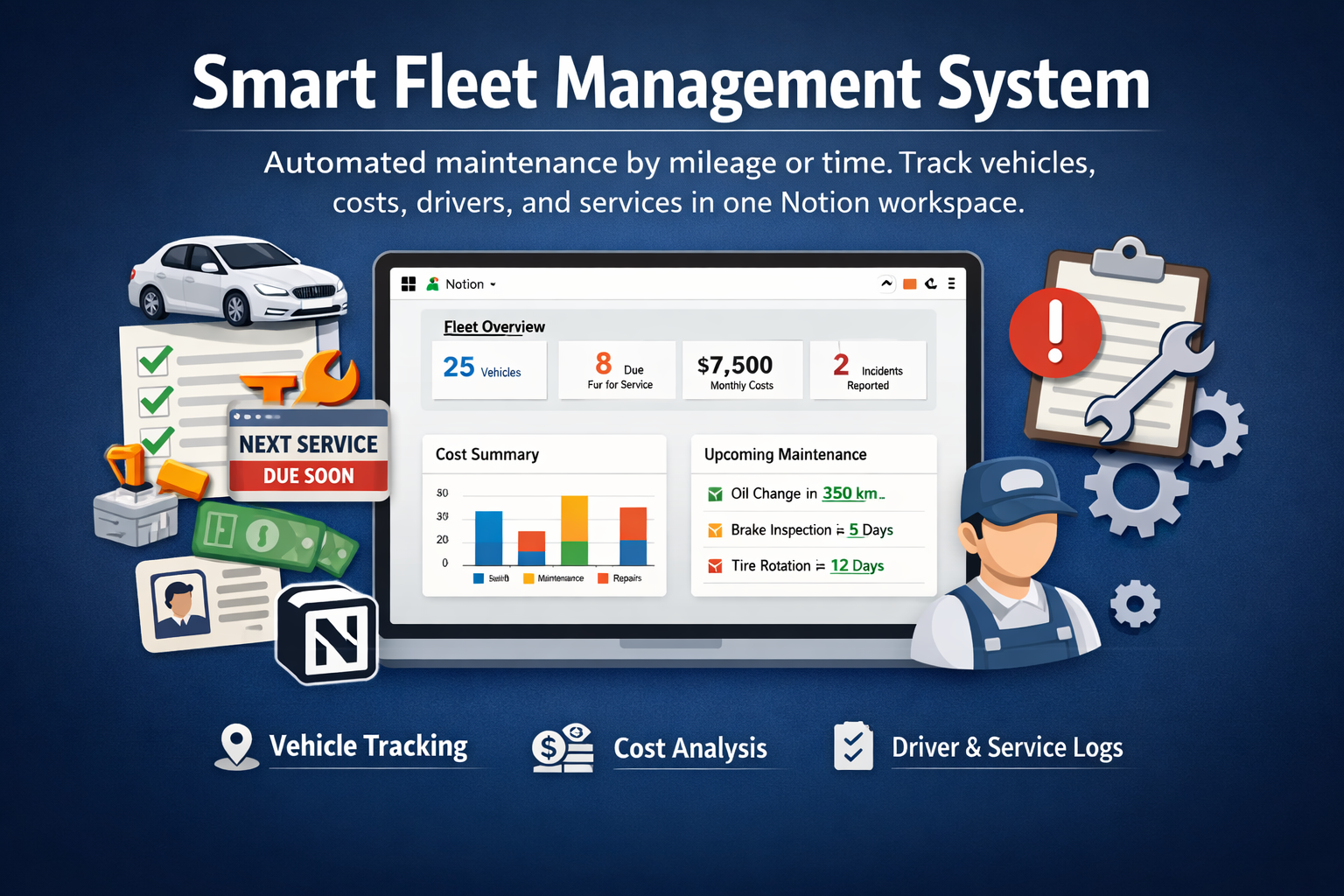
Managing a vehicle fleet can quickly become overwhelming. Missed services, unclear costs, expired documents, and reactive decisions often lead to higher expenses and unnecessary downtime.
To solve this, I built my Fleet Management template in Notion, designed around a simple but powerful, data-driven maintenance system. In this article, I'll walk you through the framework behind the template, so you can understand how it works and how to apply the same logic to your own fleet.
The Core Idea: Predict What’s Coming, Track What Happens
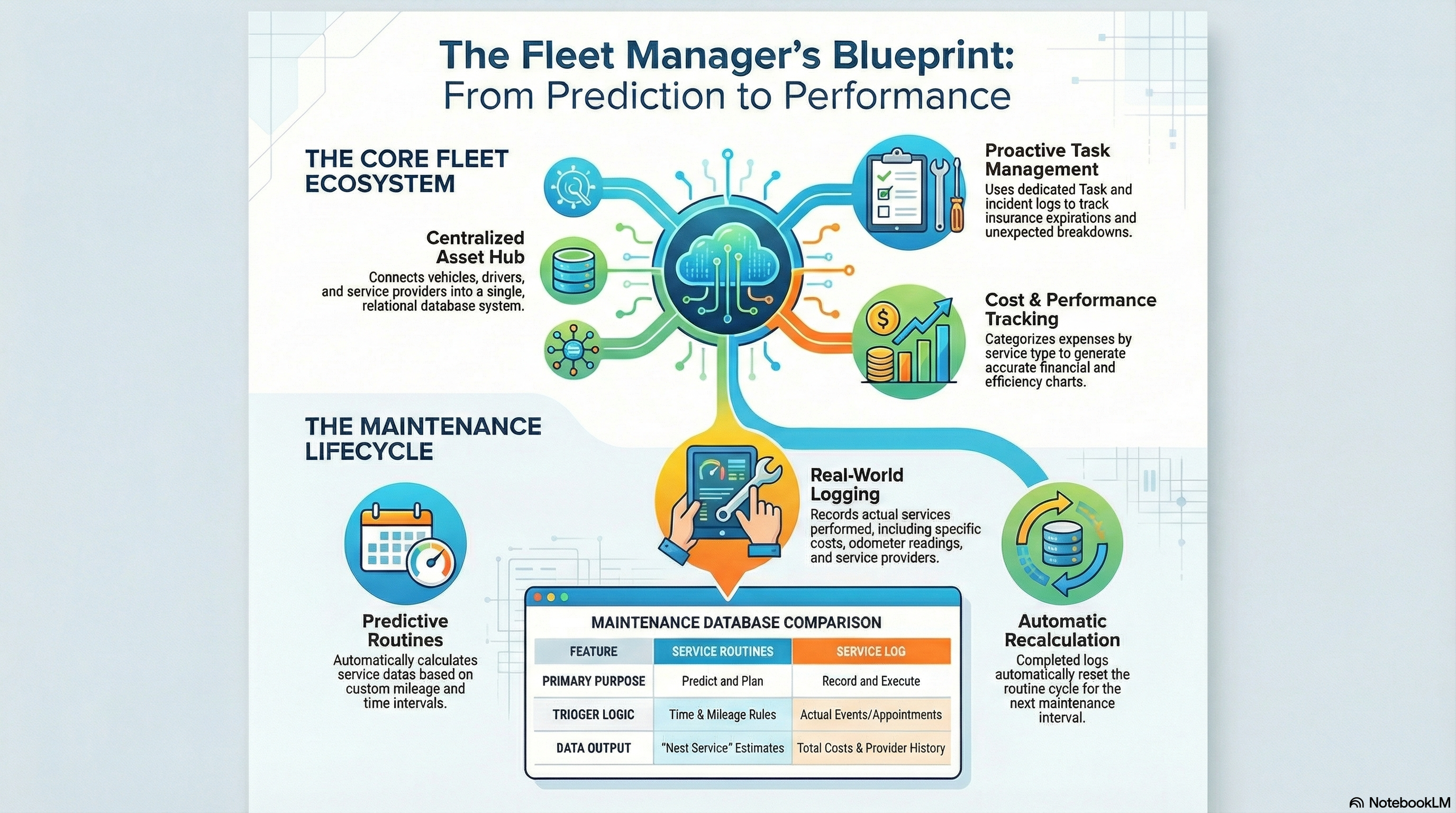
Effective fleet maintenance relies on separating planning from execution. In my Fleet Management template, everything is built around two core databases:
1. Service Routines (The Predictor)
Service Routines are used to anticipate future maintenance needs.
Each routine is defined by time (for example, every 6 months) or mileage (every 10,000 miles).
Once set up, the system automatically calculates when a service is due, allowing you to stay ahead of maintenance instead of reacting to problems.
2. Service Log (The Tracker)
The Service Log is the single source of truth for what actually happens.
Here, every scheduled or completed service is recorded with real-world details like:
- Service date
- Cost
- Provider
- Vehicle mileage
This separation between prediction and tracking is what keeps the system reliable and scalable.
The 5-Step Fleet Maintenance Workflow
Inside the template, maintenance follows a clear and repeatable cycle:
- Alert: A Service Routine predicts that a task is coming up (for example, an oil change due in 15 days).
- Schedule: You contact the service provider and book the appointment.
- Log: The service is recorded in the Service Log with a status like Scheduled.
- Complete: Once the service is done, you update the record with the final date, cost, provider, and odometer reading.
- Recalculate: The system uses the new mileage to automatically calculate the next service date.
This workflow ensures no vehicle is forgotten and no maintenance happens without being tracked.
Data Habits That Make or Break the System
A system is only as good as the data you feed into it.
These are the key habits I designed the template around:
Keep the Odometer Updated: Accurate mileage is essential for correct service predictions and fuel efficiency analysis.
Track Costs at a Granular Level: If you perform multiple services in one visit (for example, oil change + tire rotation), create separate records for each service.
This allows cost charts to show exactly where money is being spent.
Always Link a Provider: Each service should be linked to a specific provider. Over time, this creates a history that helps you evaluate performance, reliability, and cost-effectiveness.
Beyond Maintenance: Deadlines, Incidents, and Drivers
Fleet management isn’t just about the engine. That’s why my Notion template also includes systems for:
Legal & Administrative Deadlines: A dedicated tasks database tracks insurance renewals, registrations, and license expirations.
Incident Logging: Accidents, breakdowns, or unexpected issues are recorded in an Incident Log, including descriptions and estimated repair costs. This helps identify problematic vehicles early.
Driver Management: Driver records include license numbers and expiration dates, helping ensure compliance and reduce operational risk.
Turning Fleet Data into Better Decisions
When vehicle statuses, services, and costs are kept up to date, dashboards start telling a clear story.
You can:
- See which vehicles are In Maintenance, Active, or Retired
- Spot cost trends before they become problems
- Plan maintenance proactively instead of reacting to failures
This is the real value of using a structured system like the one behind my Fleet Management Notion template: clarity, control, and confidence in your decisions.