How to Get the Most Out of Your Notion Templates with NotebookLM
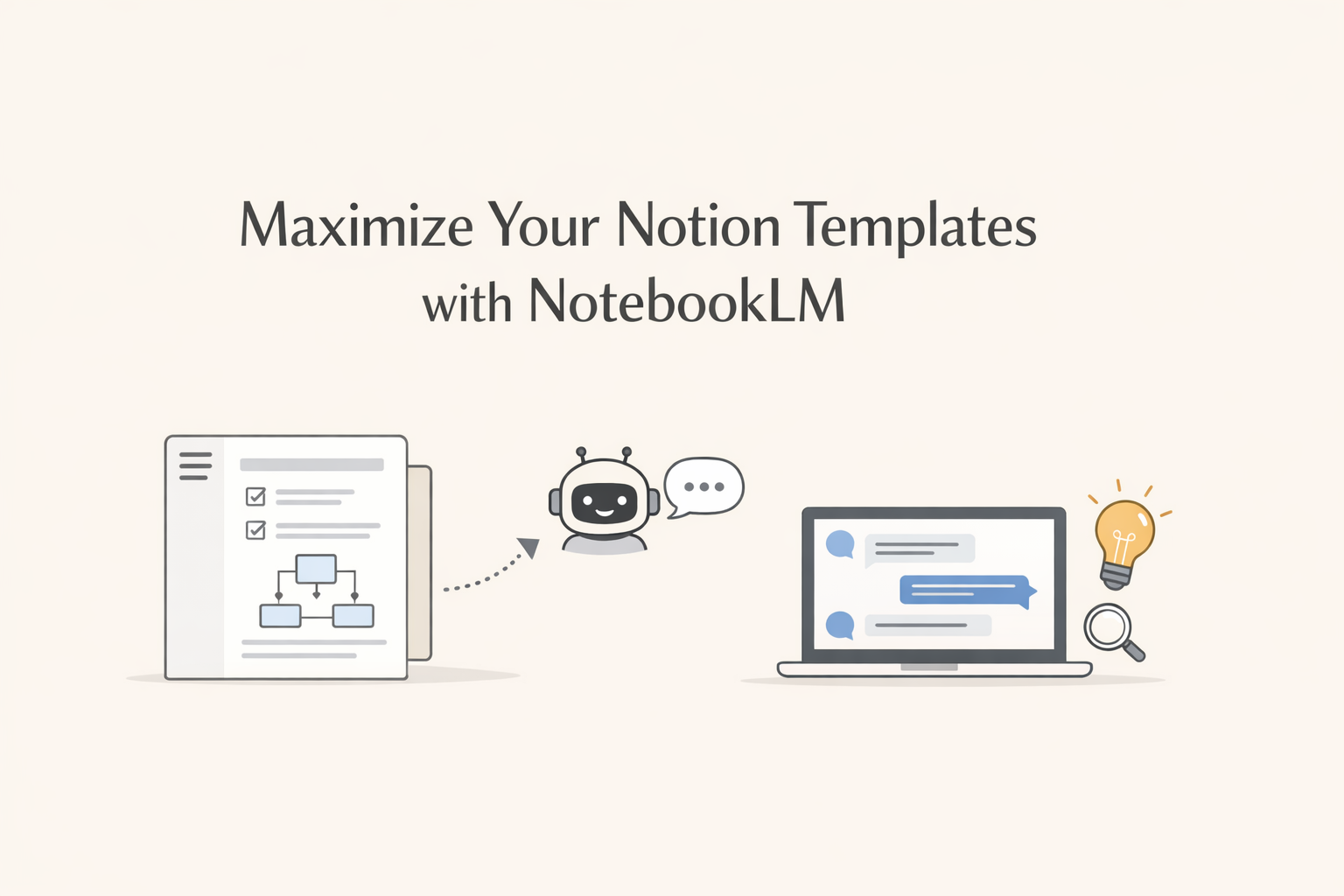
All of my Notion templates come with a detailed help guide, designed to walk you through every database, field, workflow, and use case. This ensures that from day one, you can fully leverage the template and stay organized and efficient.
But what if you could interact with that guide in a more dynamic way, asking questions and receiving instant answers? That’s where NotebookLM comes in.
What NotebookLM Is and How It Enhances Your Templates
NotebookLM allows you to import documents, videos and notes and then chat with them, generating step-by-step explanations, instructions, and practical advice based entirely on your content.
For your templates, this means that your help guide is no longer just static text, it becomes an interactive assistant that can guide you through any task or workflow within the template.
How to Use NotebookLM with Your Templates
- Open a new notebook in NotebookLM.
- Copy and paste the full help guide from your template.
- Start asking questions, such as:
“How do I organize properties for client visits?”
“Which field should I update to mark an animal as adoptable?”
“What is the recommended workflow for reviewing daily tasks?”
Within seconds, you’ll get accurate, actionable answers based on the guide you already have, making your work faster and more effective.
Who Benefits the Most
- New Notion users: learn each function step by step with clear explanations.
- Advanced templates: discover workflows and shortcuts that streamline project management.
- Anyone looking to save time: consult only what’s needed, exactly when it’s needed.
Additional Benefits
- Turns your template’s help guide into a personal assistant.
- Makes every database and workflow easier to understand and use.
- Encourages learning by doing, with immediate, applicable answers.
- Enhances the value of your template: you’re not just getting a tool, you’re getting a guided experience.
Conclusion
With NotebookLM, your help guide is no longer just a reference document, it becomes an interactive companion that helps you get the most out of every template. Even new users can organize and work efficiently from day one.
In other words: your templates not only come with comprehensive guidance, they can now learn with you, dynamically and practically.