How Lawyers Can Use Notion to Streamline Their Legal Practice
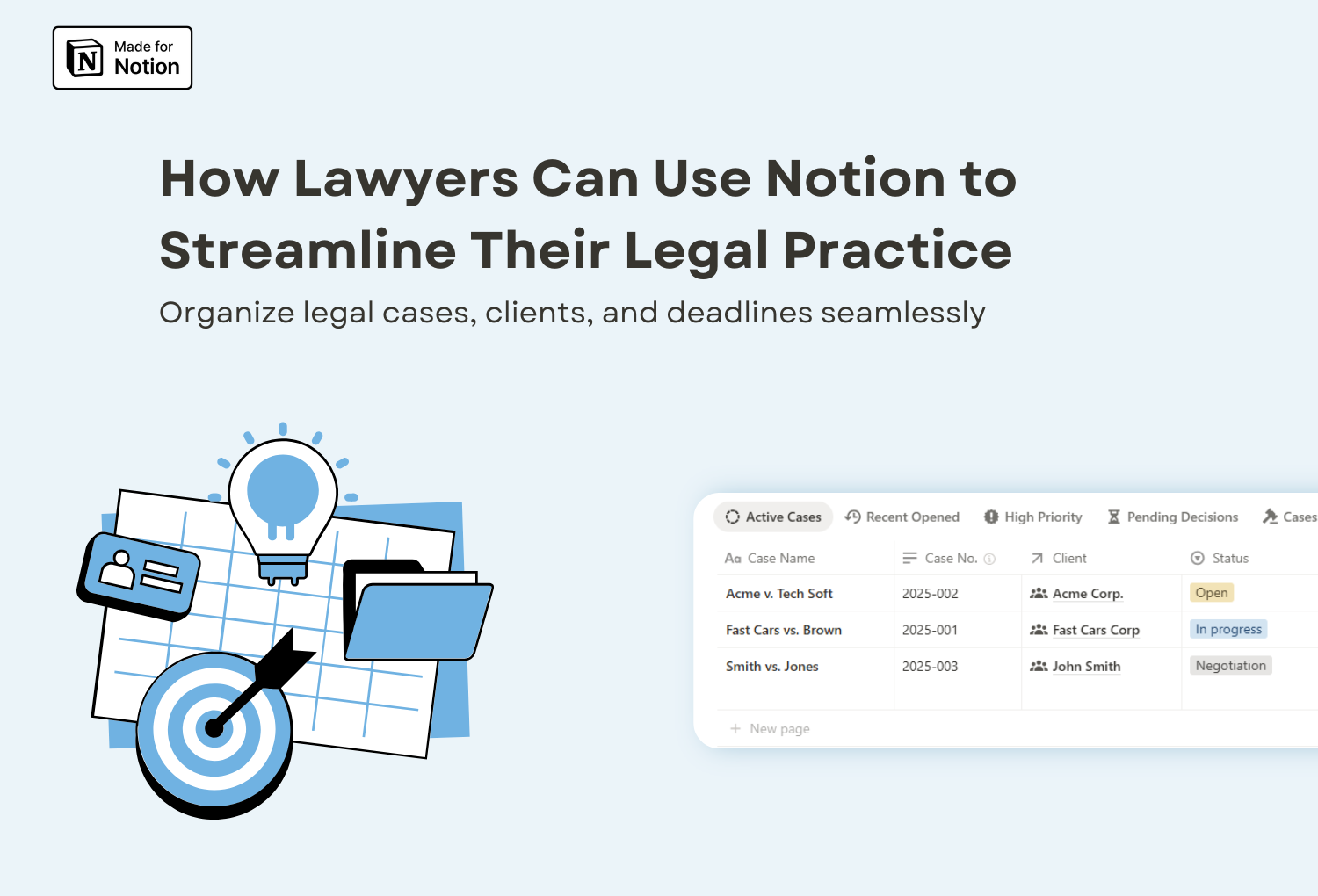
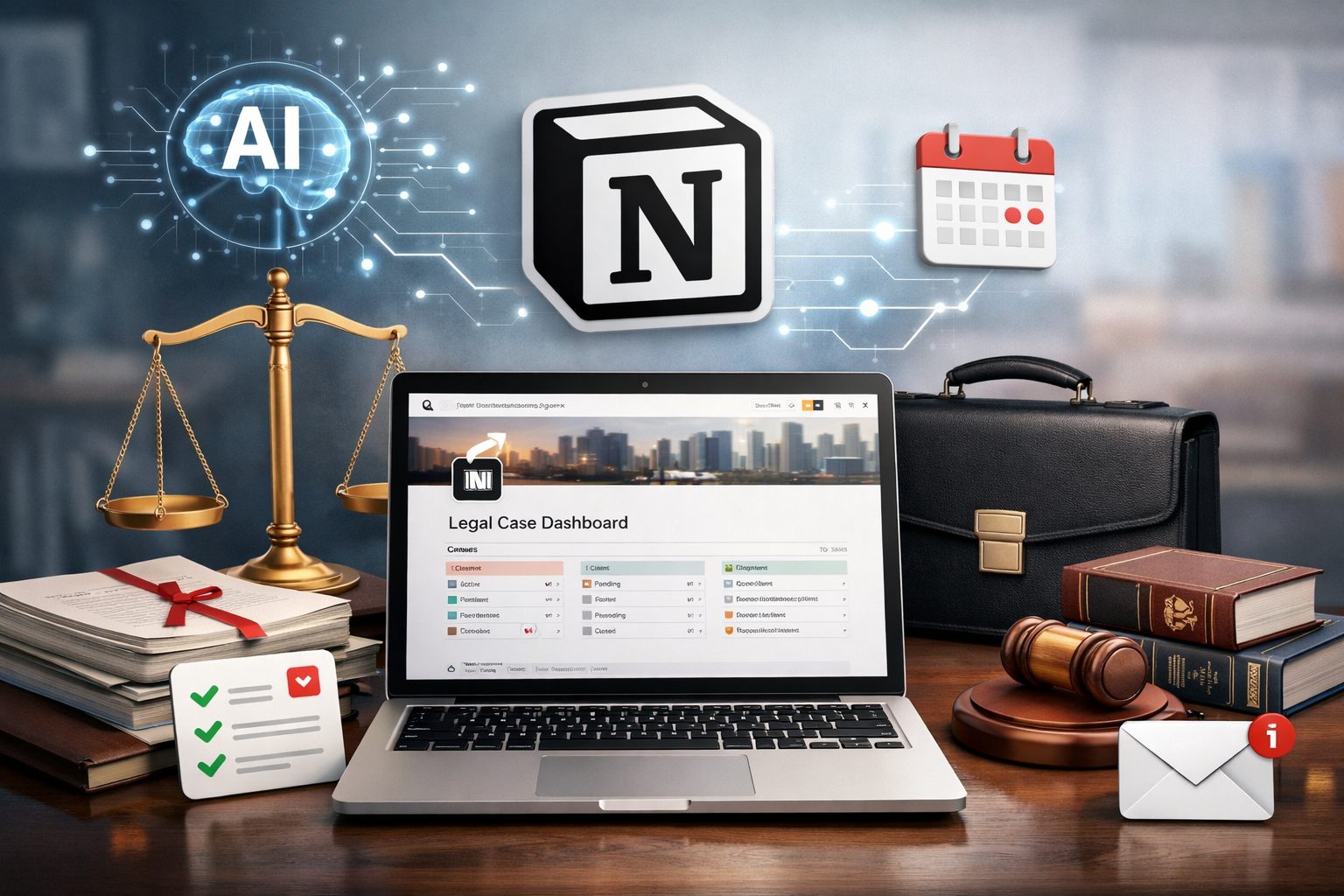
In today’s fast-paced legal world, staying organized isn’t just about efficiency, it’s about protecting deadlines, reducing risk, and delivering better results for clients. Lawyers juggle multiple cases, client communications, documents, court dates, and internal tasks every day. When information is scattered across emails, folders, spreadsheets, and calendars, things can easily fall through the cracks.
That’s where Notion comes in.
More than just a note-taking app, Notion is a flexible all-in-one workspace that helps legal professionals centralize information, streamline workflows, and reduce time spent on administrative work, so they can focus on what matters most: practicing law and serving clients.
🚀 Why Notion is a Game-Changer for Lawyers
Unlike rigid case management software, Notion is highly customizable. Instead of forcing you into a predefined structure, it allows you to build a system that fits your specific legal workflow.
Here’s why Notion works so well for lawyers and law firms:
- All-in-one workspace: Replace scattered tools like spreadsheets, task managers, and document folders with a single platform.
- Custom databases: Organize cases, clients, deadlines, and research notes with interconnected databases.
- Collaboration: Share workspaces with colleagues, assistants, or paralegals for seamless teamwork.
- Accessibility: Access your files and notes from any device; perfect for court, client meetings, or working remotely.
- Automation & templates: Set up recurring tasks (e.g., filing deadlines, hearings, contract renewals) to never miss an important date.
🤖 How AI Enhances Notion for Legal Work
Artificial intelligence is rapidly transforming the legal profession, and Notion is already embracing this shift. With Notion AI, lawyers can reduce time spent on repetitive tasks and work more efficiently with large amounts of information.
Some practical ways legal professionals can use Notion AI include:
- Summarizing long case notes or meeting transcripts
Quickly extract key points from client meetings, depositions, or internal notes. - Drafting first versions of documents
Generate outlines for contracts, pleadings, or internal memos that you can later review and refine. - Organizing and structuring information
Turn unstructured notes into clear action items, timelines, or task lists. - Improving internal knowledge bases
Ask questions in natural language and instantly find relevant precedents, notes, or internal documentation.
For lawyers dealing with heavy information loads, AI becomes a powerful assistant, helping you think faster, stay organized, and focus on higher-value legal work.
Notion AI is available directly inside Notion and works seamlessly with the same workspace where you manage your cases, clients, and documents.
You can learn more about Notion AI and available plans here → [See Notion plans]
Disclosure: The link above is an affiliate link. I may earn a commission at no extra cost to you. See my disclosure policy.
🌟 Practical Ways Lawyers Can Use Notion
1. Case Management
Create a Case Database to track case names, clients, jurisdictions, deadlines, assigned team members, and status updates, all in one place.
2. Client Records
Maintain a Client Database with contact details, case history, billing information, and notes from meetings. You can even link clients to their related cases.
3. Appointments Database
Use Notion’s appointments database to schedule and track court dates, client meetings, and other important events. With reminders and calendar views, you’ll stay organized and ensure you never miss a crucial appointment.
4. Knowledge Base & Legal Research
Store and organize legal research, precedents, and document templates in a knowledge base that’s searchable and easy to update.
5. Document Management
While Notion is not a replacement for a document management system, you can integrate it with tools like Google Drive or Dropbox to create a centralized hub for all your files.
6. Team Collaboration
Assign tasks to colleagues, leave comments, and create shared dashboards for cases or clients, making communication more transparent and efficient.
✅ Benefits for Lawyers and Law Firms
- Improved efficiency: Reduce time spent searching for files or remembering deadlines.
- Better client service: Keep track of all client interactions and case progress in one place.
- Scalability: Whether you’re a solo attorney or part of a large law firm, Notion adapts to your workflow.
- Cost-effective: Compared to specialized legal software, Notion offers a budget-friendly solution without sacrificing flexibility.
❓ Is Notion Right for Every Lawyer?
Notion is particularly well-suited for:
- Solo practitioners who want a customizable, low-cost case management solution.
- Small and mid-sized firms looking to improve collaboration and efficiency.
- Legal teams that need a centralized knowledge base and task management system.
Large firms with strict compliance or data security requirements may still rely on dedicated legal software. However, Notion works extremely well as a planning, collaboration, and visibility layer on top of existing systems.
💭 Final Thoughts
Lawyers deal with vast amounts of information every day. Notion helps bring structure to that complexity by organizing cases, clients, deadlines, and knowledge in one intuitive workspace. With the right setup, law firms can save time, reduce errors, and work more confidently.
If you’re new to Notion, start by building a simple case database and expand from there. You’ll be surprised how quickly it transforms your legal workflow.
🟡 Simplify Your Legal Workflow with a Ready-to-Use Template
Notion gives lawyers the flexibility to build powerful systems from scratch. But if you’d rather save time, I’ve created a Legal Case Management Template for Notion that’s ready to use from day one.
What’s included:
- Case tracking
- Client & contact management
- Staff and task assignments
- Appointments and deadlines
- Billing overview
- Preconfigured dashboards
All in one clear, organized workspace designed specifically for legal professionals.
👉 Take a look at the template here and see how it can transform the way you manage your legal cases.
👁🗨 Want to learn more about how Notion can improve productivity beyond the legal field? Check out our in-depth article about Notion.